Why is Lost Trail switching from paper lift tickets to RFID cards?
We made the switch for a few simple reasons:
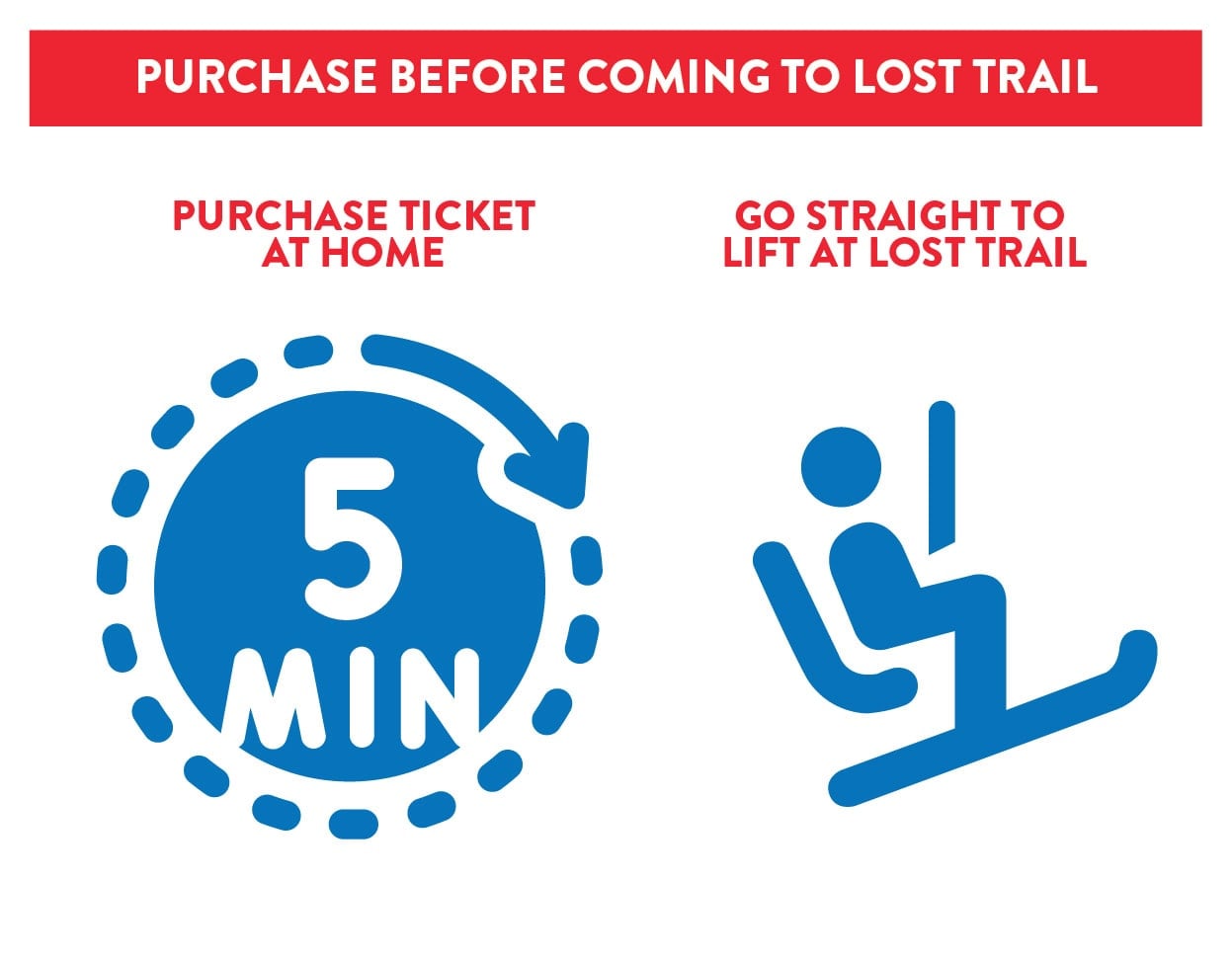
Faster access straight to the lifts
Online ticket and pass purchases anytime
Ability to reload day tickets, 10 Day Passes, season passes and other items from home
It means less time in line and more time on the snow once you have your account set up and RFID card in hand.
How Do I Set Up and Use My RFID Card?
Before You Come to Lost Trail
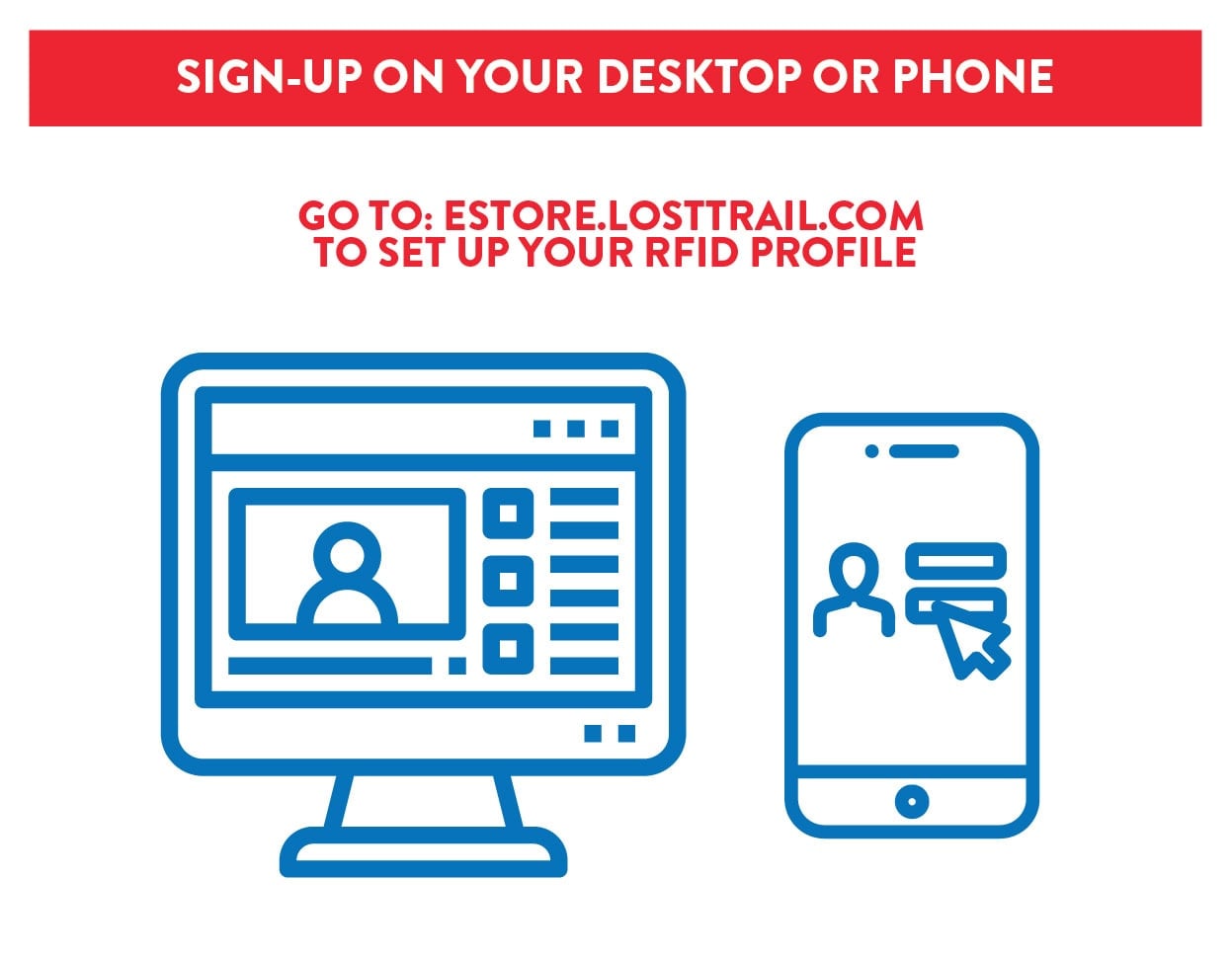
1) Create your Lost Trail account
2) Provide all contact information
3) Upload a selfie (bottom of account info page)
4) Purchase a new RFID card ($5)
5) Purchase lift ticket(s) or pass
6) Sign Waiver
7) Add Credit Card to Account (saving is optional)
8) Pay
First time at Lost Trail this season
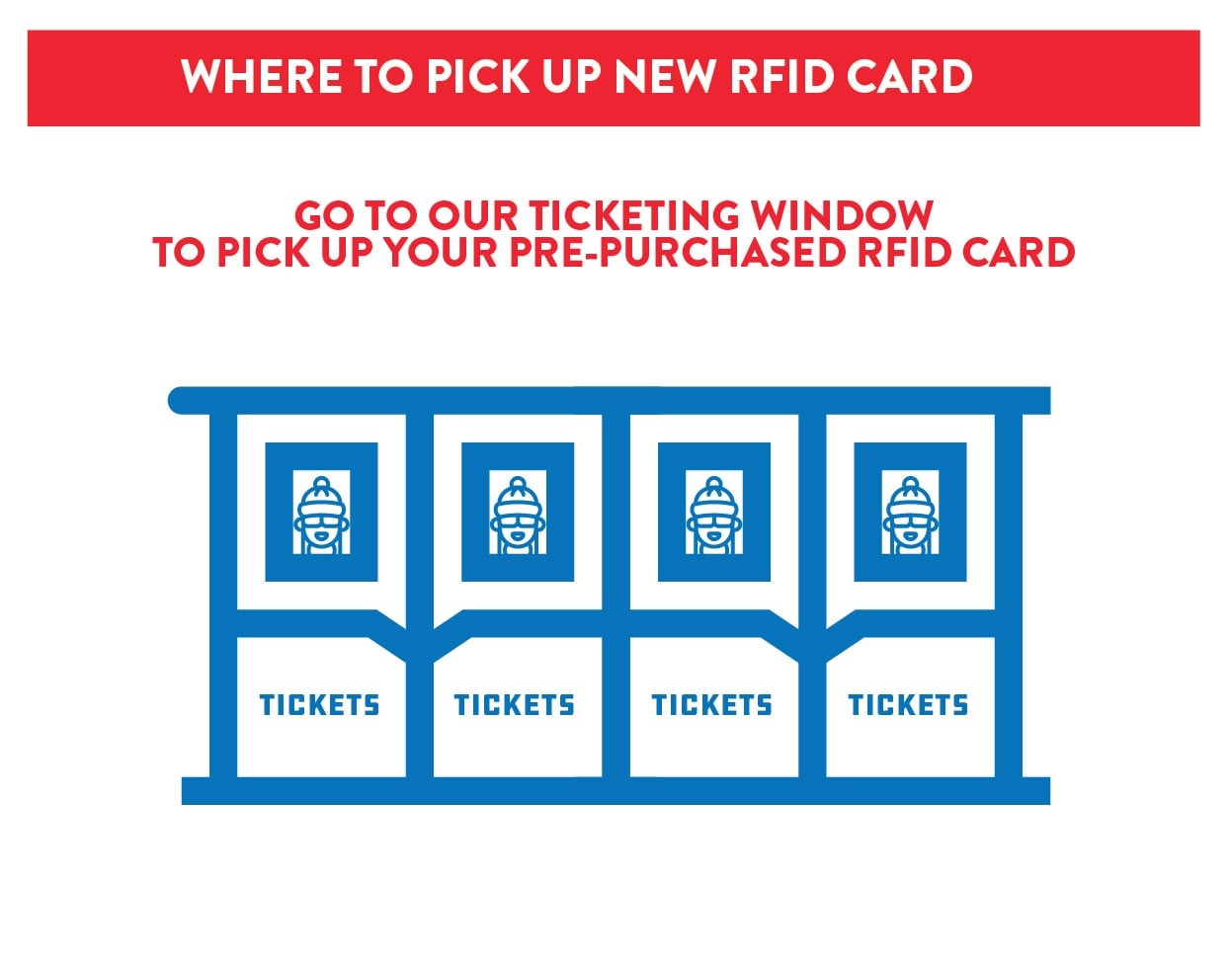
1) Pick up new RFID card at ticketing window at Lost Trail
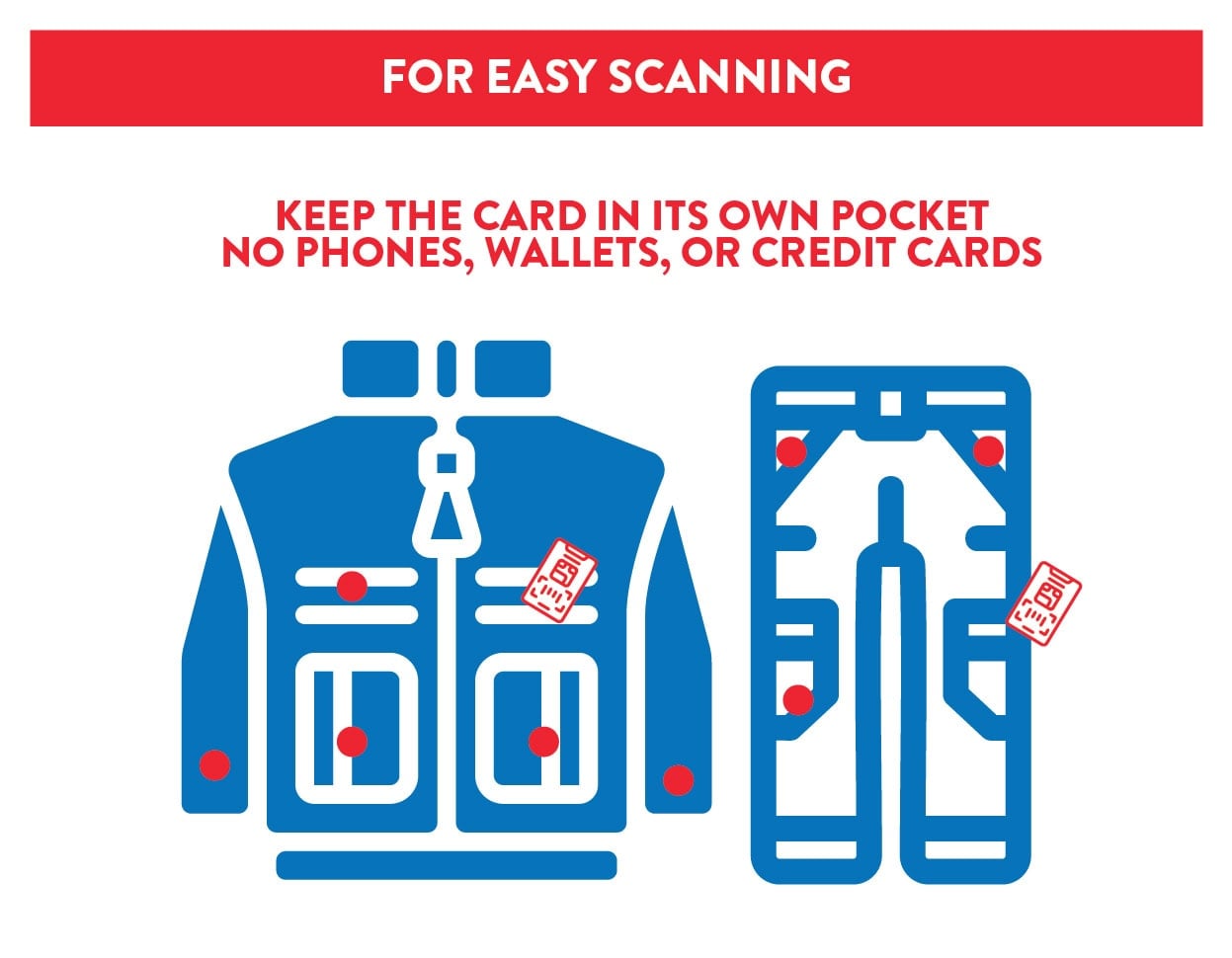
2) Place RFID card in a pocket (alone)
3) Go straight to the lift
Next time you want to ski or ride this season or future seasons
1) Purchase ticket/pass online at home
2) Go straight to the lift
Where can I purchase an RFID card?
RFID cards can be purchased online in advance. Both season passes and daily lift cards can be picked up at the Ticket Windows. Once you have your card, you can head straight to the chairlifts.
How do I wear my Lost Trail RFID Lift Card?
Do not wear it like a paper ticket. Place your Lost Trail RFID Lift Card inside a pocket of your jacket or pants.
For best performance:
- Keep the card in its own pocket
- Do not carry it with a phone, wallet, credit cards, or keys
- Carry only one RFID card at a time (parents: each child needs to carry their own RFID card)
I have an RFID card from another ski area. Will it work at Lost Trail?
No. RFID cards from other resorts will not work at Lost Trail. Only Lost Trail RFID cards are recognized by our scanners.
Guests should carry only one RFID card while skiing or riding. Carrying additional cards may cause access errors at the lifts.
Can I punch a hole in my Lost Trail RFID card or wash it?
No. Do not punch holes or alter your card in any way. This can damage the RFID antenna inside the card.
If your card becomes damaged, a $10 replacement fee will apply.
A replacement card can be purchased and printed for you at any Ticket Window or in the Office.
What if my RFID card goes through the wash?
It might still work, but we don’t recommend it. Washing and drying your card can damage it and prevent it from working properly.
If your card no longer works, a $10 replacement fee applies. A replacement card can be purchased and printed for you at any Ticket Window or in the Office.
What if I lose or damage my Lost Trail RFID card?
Lost or stolen cards should be reported to the Ticket Office right away. The card will be deactivated for security.
Replacement cards are available for a $10 fee.
Can I share my Lost Trail RFID card with someone else?
No. All Lost Trail RFID cards are nontransferable and are assigned to the individual they were purchased under.
Where do I pick up my season pass?
Season pass holders can pick up their RFID card in the Office.